 Family & Social
Family Dashboard
Stay Connected at a Glance
Family Dashboard transforms any screen into a family command center. See everyone's schedules, upcoming events, shared lists, and important notifications at a glance. Perfect for kitchen tablets or always-on displays.
Free. Private. Offline-first.
Why choose Family Dashboard?
Everything you need, nothing you don't.
Smart Family Hub
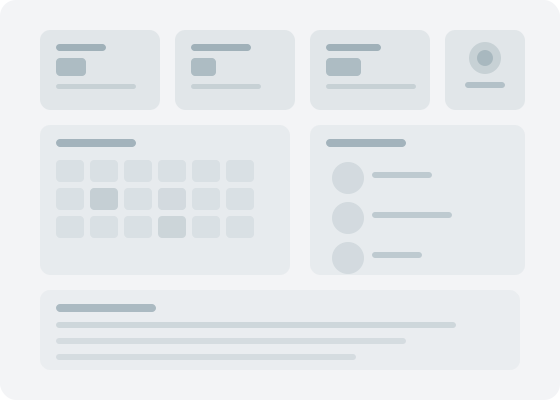
Display everyone's schedules, lists, and updates on a shared screen
Real-Time Sync
Updates appear instantly when anyone adds events, tasks, or messages
QR Code Pairing
Connect family devices instantly with secure QR code pairing
Always-On Display Mode
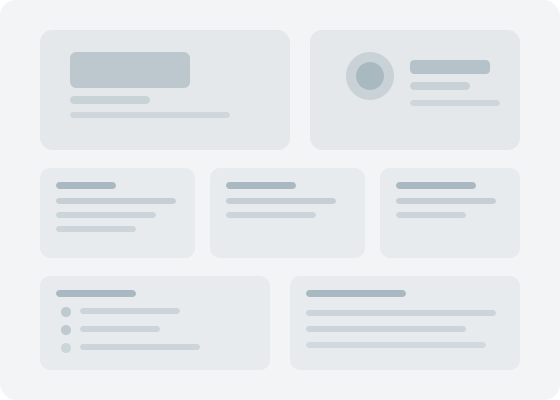
Turn a kitchen tablet, hallway display, or living room screen into a family information hub. Designed for Android TV and Leanback-compatible devices. See today's schedule, grocery lists, and announcements without touching a thing.
Real-Time WebSocket Updates
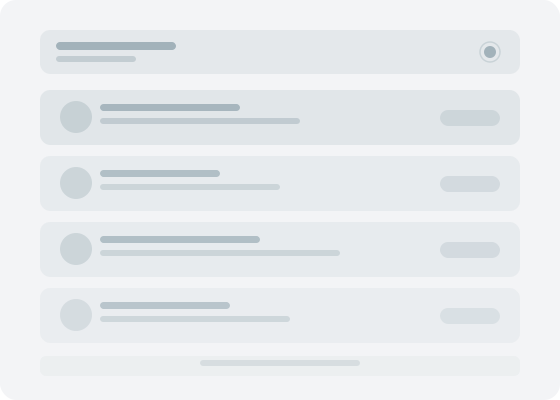
Updates appear instantly via WebSocket connections. When anyone adds an event, completes a task, or updates a list, the dashboard reflects it in real time.
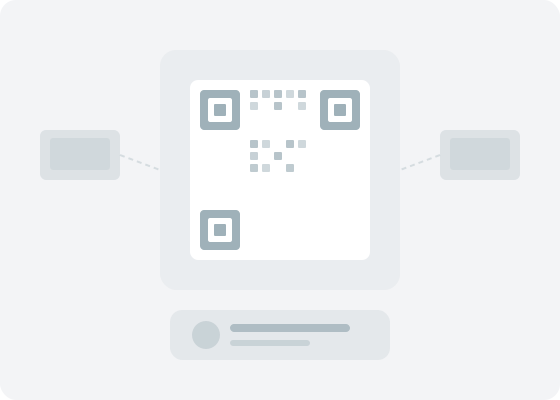
QR Code Pairing & Offline Caching
Connect family devices instantly with secure QR code pairing. Offline caching ensures the dashboard stays useful even when the network is down.
How it works
Get started in minutes.
Set Up Your Display
Install on a tablet or phone. Choose which information to show: calendars, lists, weather, etc.
Connect Family Devices
Scan QR codes to link family members' phones so updates sync automatically.
Glance and Go
Check the dashboard before leaving home. See who's busy, what's for dinner, and what's on the shopping list.
Works great with
Part of the Family Life Space ecosystem.

Frequently asked questions
Is Family Dashboard really free?
Yes, completely free with no ads, no premium tier, and no hidden costs. Your data stays private on your device.
Does it work on Android TV?
Yes. Family Dashboard supports Android TV and Leanback interfaces, making it perfect for smart TVs and large displays.
Can I use it on a kitchen tablet?
Absolutely. The always-on display mode is designed for tablets mounted in kitchens, hallways, or living rooms. It shows family schedules, lists, and updates at a glance.
Does it update in real time?
Yes. Family Dashboard uses WebSocket connections for instant updates. When anyone adds an event or updates a list, it appears on the dashboard immediately.
Does it work offline?
Yes. Offline caching ensures the dashboard shows the latest information even when the network is temporarily unavailable.