 Privacy & Security
Private Space
Your Secure Vault
Your personal secure vault for sensitive information. Write encrypted journals, store passwords safely, manage private documents, and lock everything behind biometric authentication. Military-grade encryption keeps your secrets truly secret.
Free. Private. Offline-first.
Why choose Private Space?
Everything you need, nothing you don't.
Military-Grade Encryption
AES-256 encryption protects everything. Your master password never leaves your device.
Encrypted Journals
Write private journals and diaries with complete confidence. Your thoughts are truly private.
Password Vault
Store all your passwords securely. Generate strong passwords and auto-fill login forms.

Encrypted Journal & Diary
Write private journals with full encryption. Your thoughts are protected at rest and never leave your device. Keep a daily diary with total confidence.
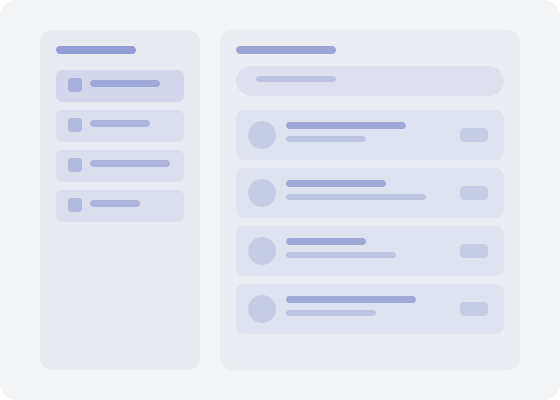
Secure Credentials & Document Vault
Store passwords, financial accounts, and private documents in an encrypted vault. Organize sensitive photos and files in folders with instant search.
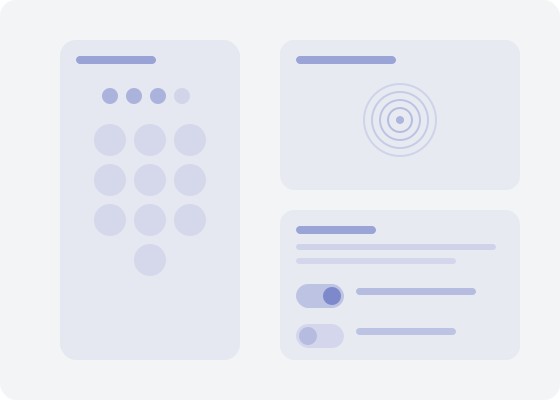
PIN, Biometric & Decoy Mode
Lock with PIN or biometric authentication. Enable decoy mode to show a fake empty vault if forced to unlock. Optional self-destruct timer and local encryption with cloud backup.
How it works
Get started in minutes.
Set Master Password
Create a strong master password and enable biometric authentication. This is the only password you need to remember.
Store Securely
Add encrypted journals, passwords, documents, and photos. Everything is encrypted before being stored.
Access Safely
Unlock with biometrics or master password. View and edit encrypted content. App auto-locks when you leave.
Works great with
Part of the Family Life Space ecosystem.
Frequently asked questions
Is Private Space really free?
Yes, completely free with no ads, no premium tier, and no hidden costs. Your encrypted data stays entirely on your device.
What encryption does it use?
Private Space uses AES-256 encryption. Your master password never leaves your device, and all content is encrypted before being stored.
What is decoy mode?
Decoy mode shows a fake empty vault if you're forced to unlock the app under duress. Your real data remains hidden and protected.
Can I back up my encrypted data?
Yes. Local encryption with optional cloud backup keeps your data safe. Backups remain encrypted and can only be decrypted with your master password.
Does it work offline?
Absolutely. Private Space is designed offline-first. All encryption and decryption happens locally on your device. No internet required.